 Offers


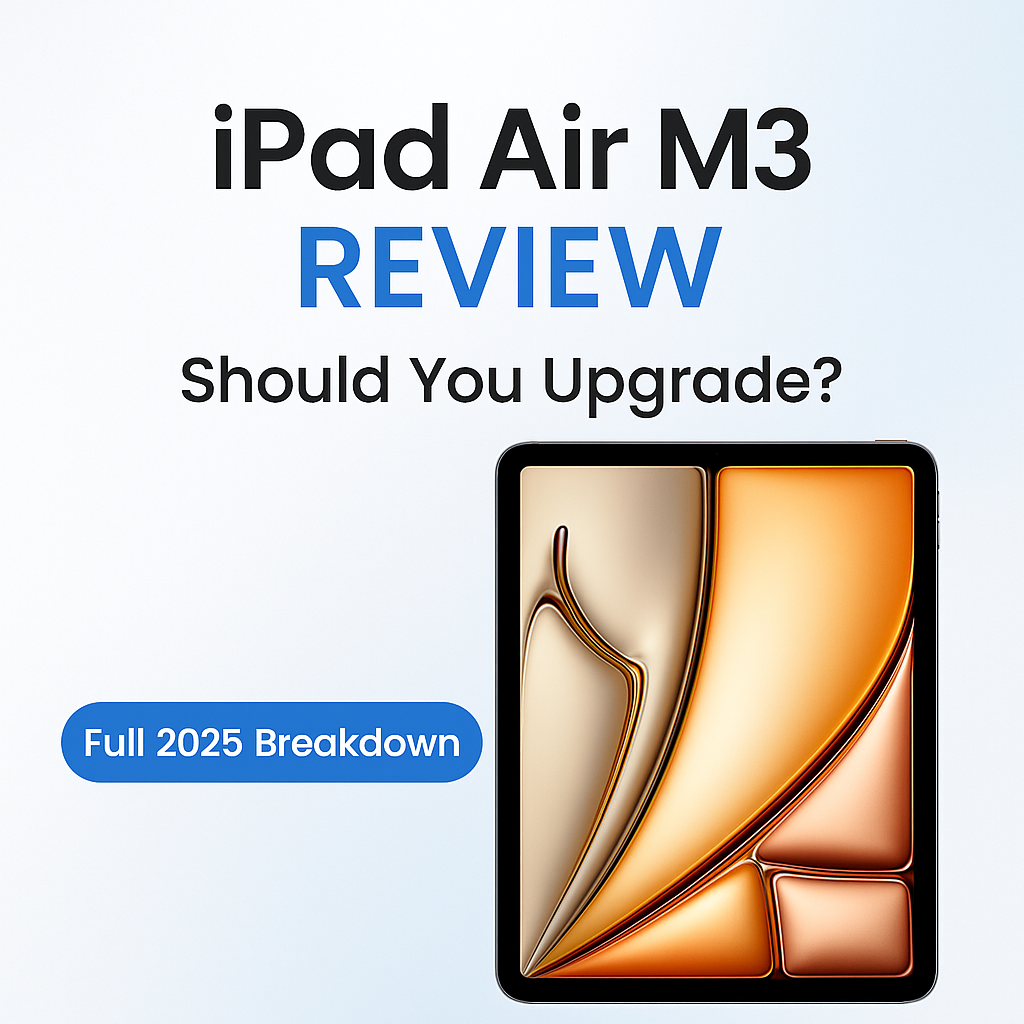
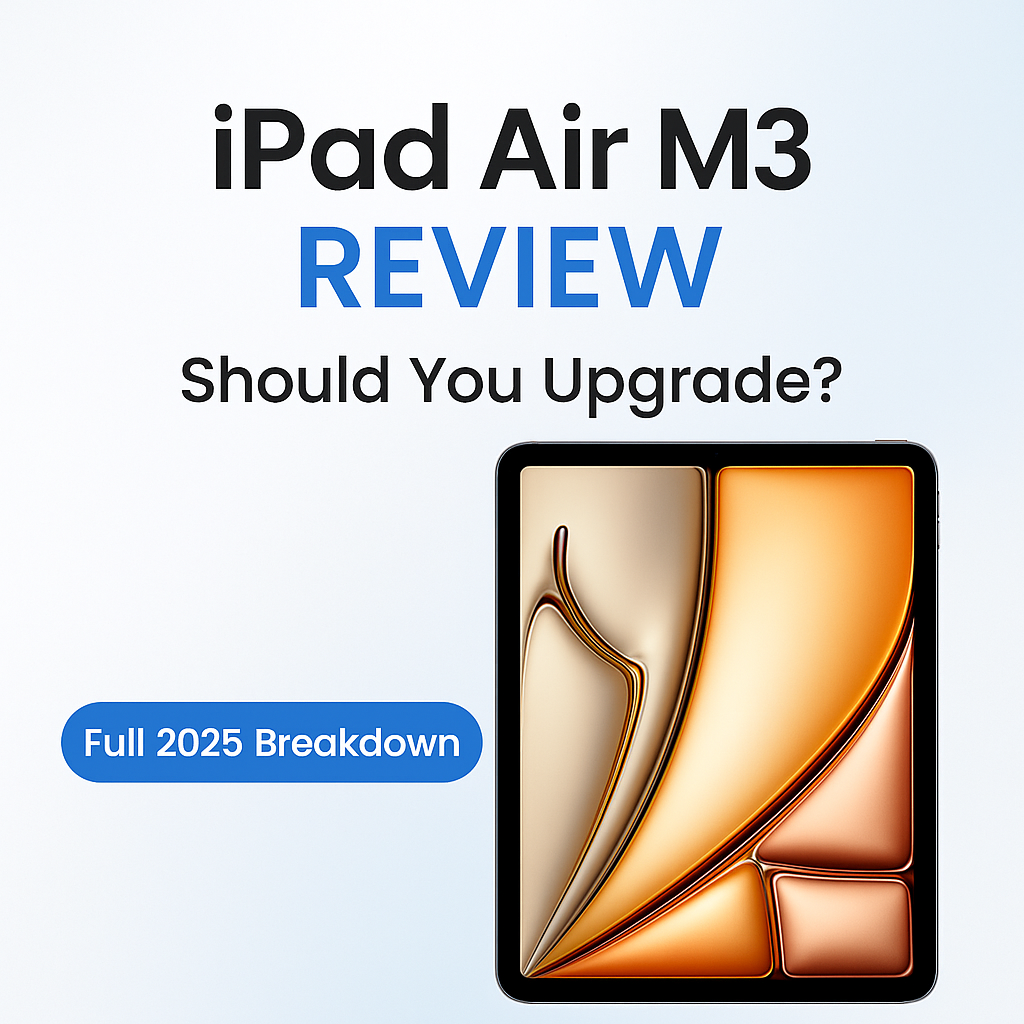
Apple’s iPad Air lineup has always been the sweet spot for users who want power, portability, and a reasonable price. With the launch of the iPad Air M3, many expected a big leap — a fresh design, new display tech, or major improvements to justify the hype. Instead, this year’s model feels more like a careful refinement rather than a bold innovation.
Even so, the iPad Air M3 remains one of the best all-round tablets you can buy, especially for students, professionals, and creators in Bangladesh. Let’s break down what’s new, what’s unchanged, and whether this model is worth upgrading to.
What’s New: The Power of the M3 Chip
The biggest highlight of this update is the Apple M3 processor. This chip offers:
-
Faster CPU and GPU performance
-
Better efficiency
-
Stronger AI and machine-learning capabilities
-
Smoother multitasking across apps
If you use apps like Procreate, CapCut, Adobe tools, LumaFusion, or heavy multitasking, you will definitely feel the speed boost. Long-term performance also improves, making the M3 version more future-ready.
For users coming from older iPads (A-series chips or early Air models), the difference will feel huge. For M1/M2 iPad Air owners, the performance jump is noticeable but not revolutionary.
Same Trusted Design, Same Display
Apple kept the overall design nearly identical — slim chassis, aluminium build, and a clean minimalistic look. It still comes in two sizes, 11-inch and 13-inch, making it easier for buyers to choose between portability and a larger workspace.
However, the display remains a Liquid Retina LCD panel with a 60Hz refresh rate. Many expected Apple to introduce OLED or at least Mini-LED in the Air series. That didn’t happen.
This means:
-
Great colours, brightness, and sharpness
-
But no premium display upgrades
-
No high refresh rate for smoother animations
For drawing, reading, watching videos, and general usage, the display remains excellent. But for users expecting a Pro-level screen upgrade, this update may feel underwhelming.
Performance: Smooth, Strong, and Reliable
Real-world usage is where the M3 shines. Apps open quickly, multitasking feels fluid, and even demanding tasks run smoothly. The Neural Engine also helps with on-device AI tasks, making photo editing, voice recognition, and smart features faster.
Battery life, however, remains roughly the same as the previous generation — good, but not significantly improved. You can expect:
-
A full workday for mixed usage
-
8–10 hours of screen time depending on workload
Again, reliable but not groundbreaking.
Cameras, Audio, and Accessories
Apple didn’t change much here either.
-
The camera system remains the same 12MP front and 12MP rear setup.
-
Video calls look good, and photos are decent for a tablet.
-
Audio performance with stereo speakers is crisp and enjoyable.
Accessory support remains excellent:
-
Apple Pencil (USB-C or Pencil Pro)
-
Magic Keyboard
-
Wide range of third-party cases, stands, and hubs
These accessories help the iPad Air transform into a mini-workstation, drawing tablet, or lecture companion depending on your needs.
Why Reviewers Call It a “Boring Update”
If you look closely, the only major upgrade in this model is the M3 chip. Everything else — design, display, cameras, speakers, battery — stays the same. For tech reviewers, that makes the update feel safe and conservative.
The upgrade feels minor if:
-
You already own the iPad Air M1 or M2
-
You want a major design refresh
-
You expected display enhancements
-
You use your tablet mostly for entertainment, browsing, or reading
In those cases, the upgrade may feel unnecessary.
But Still One of the Best Tablets You Can Buy
Even with a conservative update, the iPad Air M3 remains incredibly strong in key areas that matter:
1. Performance that rivals laptops
M3 delivers laptop-class performance in a lightweight body. Perfect for students, designers, content creators, and professionals.
2. A balanced price-to-performance ratio
It sits comfortably between the basic iPad and the high-end iPad Pro, offering the best “middle-ground” value.
3. Easy to use, easy to carry
Lightweight, premium, and built for mobility — ideal for Bangladesh’s students and young professionals who move between classes, office, and travel.
4. Long-term software support
Apple provides years of updates, making this a safe long-term investment.
Who Should Buy the iPad Air M3?
Highly Recommended For:
-
College and university students
-
Graphic designers, digital artists, and editors
-
Business professionals needing portability
-
Content creators and freelancers
-
Users upgrading from very old iPads
Not Ideal For:
-
Existing iPad Air M1/M2 users
-
Users wanting OLED display or 120Hz refresh rate
-
Buyers looking for a cheaper entertainment-only tablet
Final Verdict: Not Exciting, But Extremely Capable
The iPad Air M3 doesn’t bring dramatic innovation. It doesn’t shock or surprise. But it quietly maintains its reputation as the best all-purpose tablet for most users.
If you're buying your first premium tablet, or upgrading from an older model, the iPad Air M3 offers excellent value: powerful performance, reliable battery, strong accessory support, and long-term durability.
For Bytebliss customers looking for a tablet that balances creativity and productivity without reaching iPad Pro pricing, the iPad Air M3 is still one of the easiest tablets to recommend.